
Description
In SPORIFY, the user can view, navigate and manage data related to Referentials Target Lists.
-
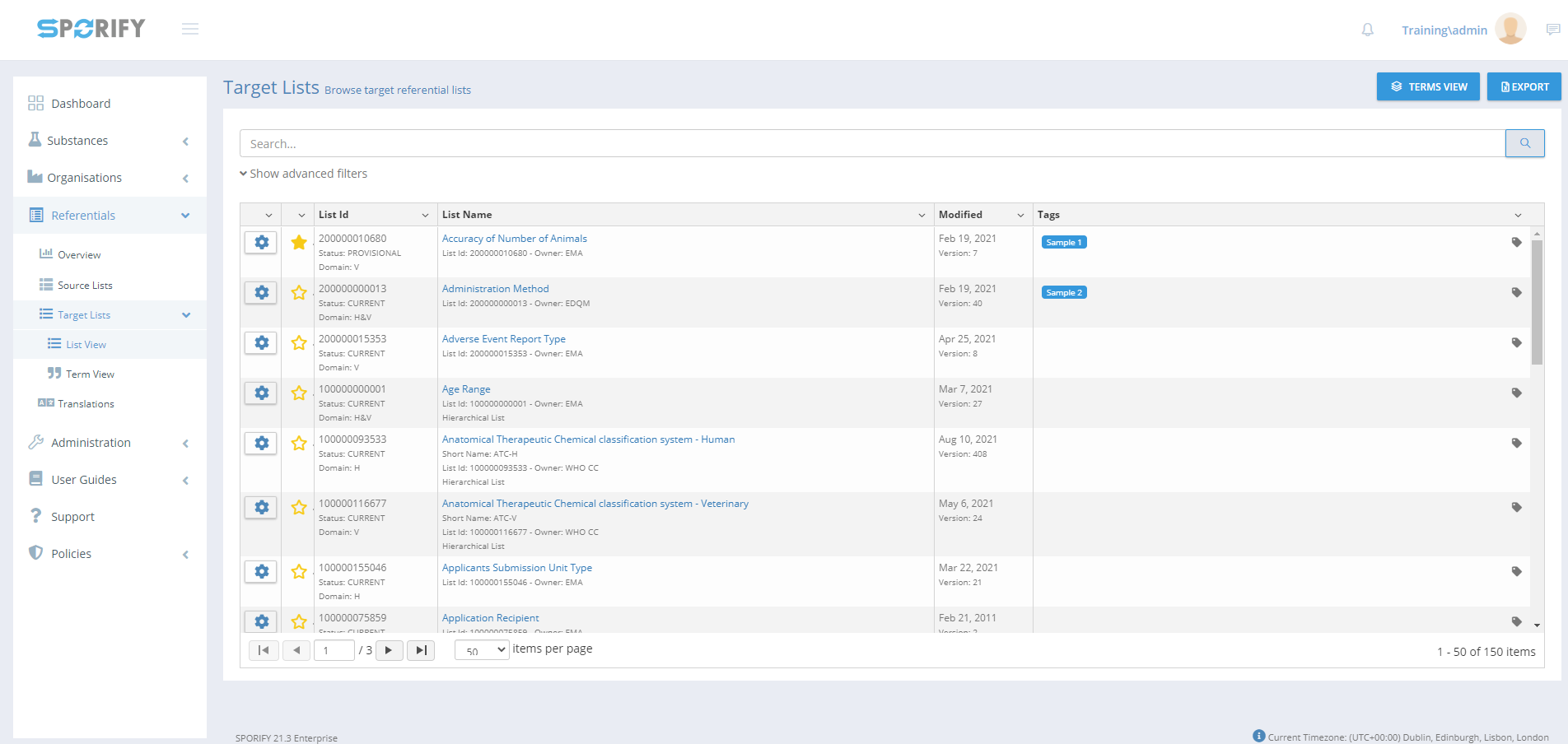
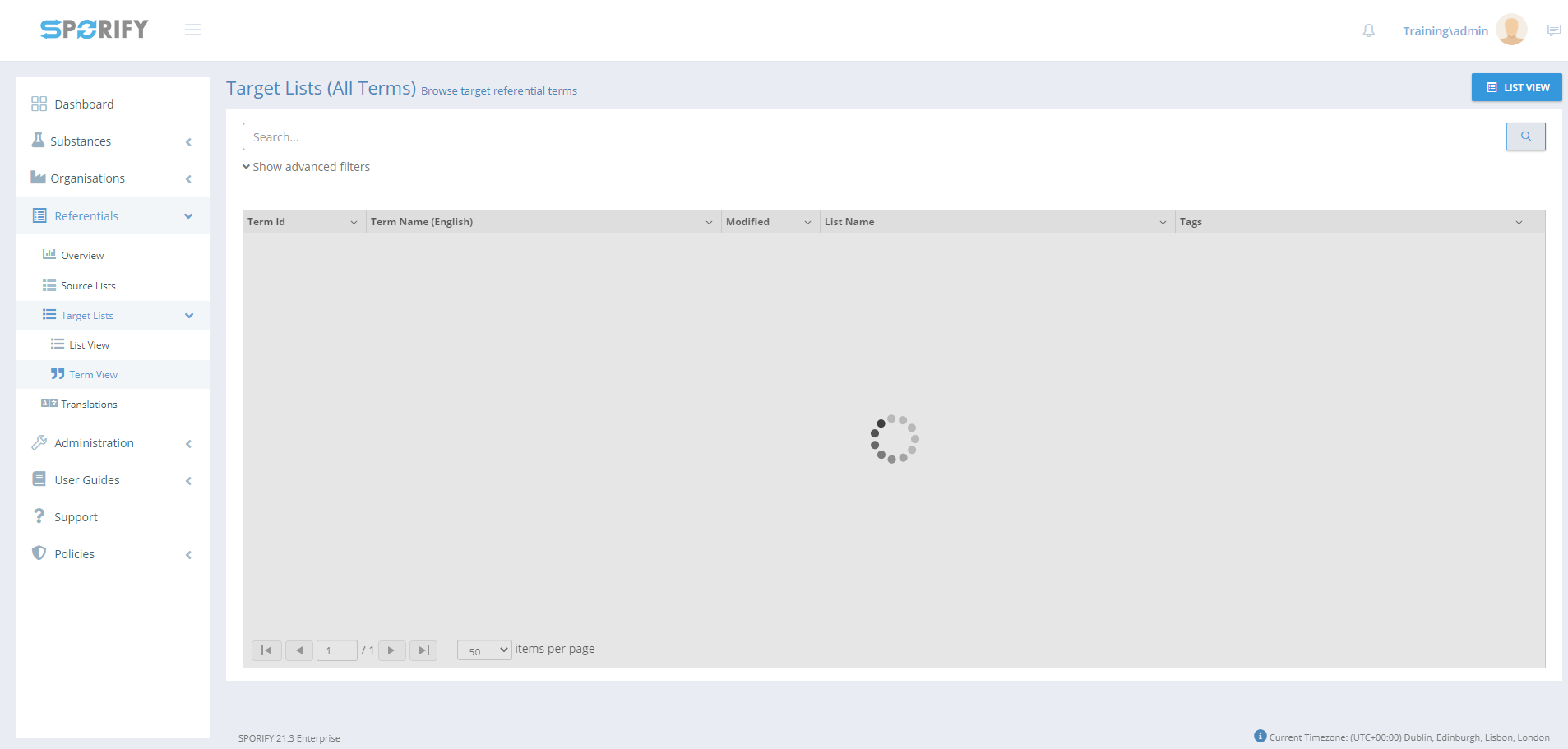
The user can view Target Lists in List View and Term View.
Procedure
-
Login to SPORIFY.
-
Select Referentials on the navigation menu.
-
Click Target Lists.
-
Select List View or Term View.
-
To navigate to Term View when on the List View screen, click the Terms View button.
-
To navigate to the List View Screen when on the Term View screen, click the List View button.
List View:
See FS - Referentials Target Lists: List View for the List View procedure.
Term View:
See FS - Referentials Target Lists: Term View for the List View procedure.
Acceptance Criteria
To succeed, the user must be able to view, navigate and manage Referentials Target Lists in SPORIFY.
-
Verify that Referentials Target Lists can be accessed via the navigation menu.
-
Verify that Referentials Target Lists can be viewed in List View and Term View.
Related / Alternative Procedure
N/A
GUI Specification
Purpose of these GUI elements.
The purpose of these GUI elements is to enable the user to view and manage Referentials Target Lists data within SPORIFY.
Mockups and Screenshots
GUI Elements
|
Mockup of GUI Element |
Title |
Default |
Enabled |
Type |
Data |
Description |
|---|---|---|---|---|---|---|
|
N/A |
N/A |
N/A |
N/A |
N/A |
N/A |
N/A |
Available Actions And Commands
|
Mockup of GUI Element |
Title |
Shortcut |
Enabled |
Type |
Role/Permission |
Action |
Tooltip |
Audit Trail |
|---|---|---|---|---|---|---|---|---|

|
List View |
N/A |
Always |
Button |
Referentials - Target Lists |
Navigates to List View screen |
N/A |
No |

|
Terms View
|
N/A
|
Always
|
Button
|
Referentials - Target Lists |
Navigates to Term View screen
|
N/A
|
No
|
Related Documentation and Sources
-
N/A