
Description
In SPORIFY, Target Substances can be searched and filtered.
-
The search bar enables the user to search using keywords.
-
Target Substances can be filtered by Favourites, Data Insights, Language, Country, Categories and Tag.
Procedure
-
Login to SPORIFY.
-
Click Substances.
-
Click Target Substances.
To search Target Substances:
-
Type keyword into the search bar.
-
Click the search button.
To filter Target Substances:
-
Select Show advanced filters.
-
The following filter options are then presented:
-
Targets
-
Use the drop-down menu to select an option.
-
-
Domains
-
Use the drop-down menu to select an option.
-
-
Sort By
-
Use the drop-down menu to select an option.
-
-
Sort Direction
-
Use the drop-down menu to select an option.
-
-
Filter by Tag
-
Use the field to select tags to filter by.
-
-
-
Click Refresh to apply filter(s).
Acceptance Criteria
To succeed, the user must be able to search and filter their Target Substances.
-
Verify that a search bar is provided to enable searching.
-
Verify that the following filters are provided: Favourites, Data Insights, Language, Country, Categories and Tag.
Related / Alternative Procedure
N/A
GUI Specification
Purpose of these GUI elements.
The purpose of these GUI elements is to enable the user to quickly and easily find specific Target Substances using searching and filtering functionalities.
Mockups and Screenshots
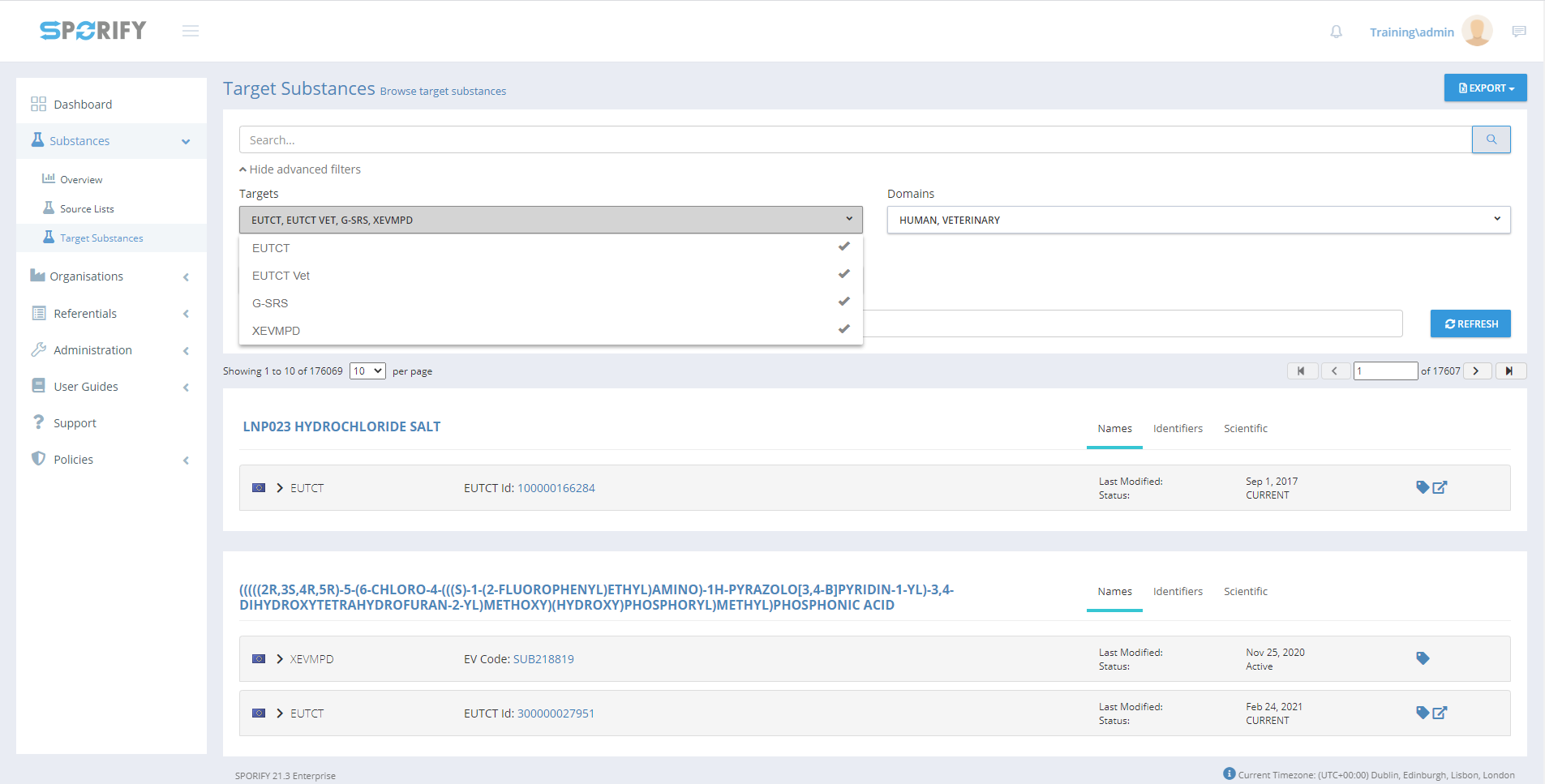
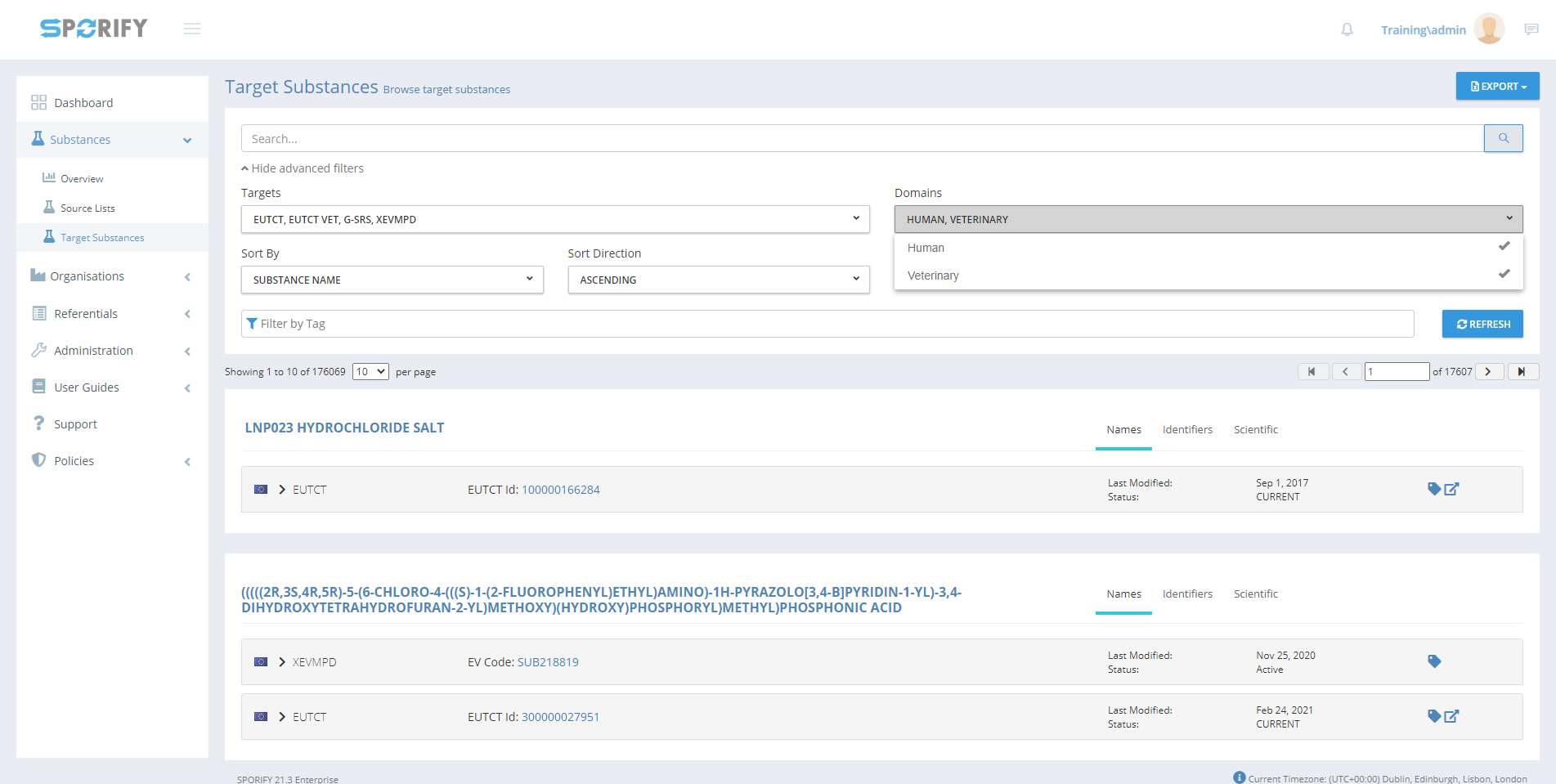
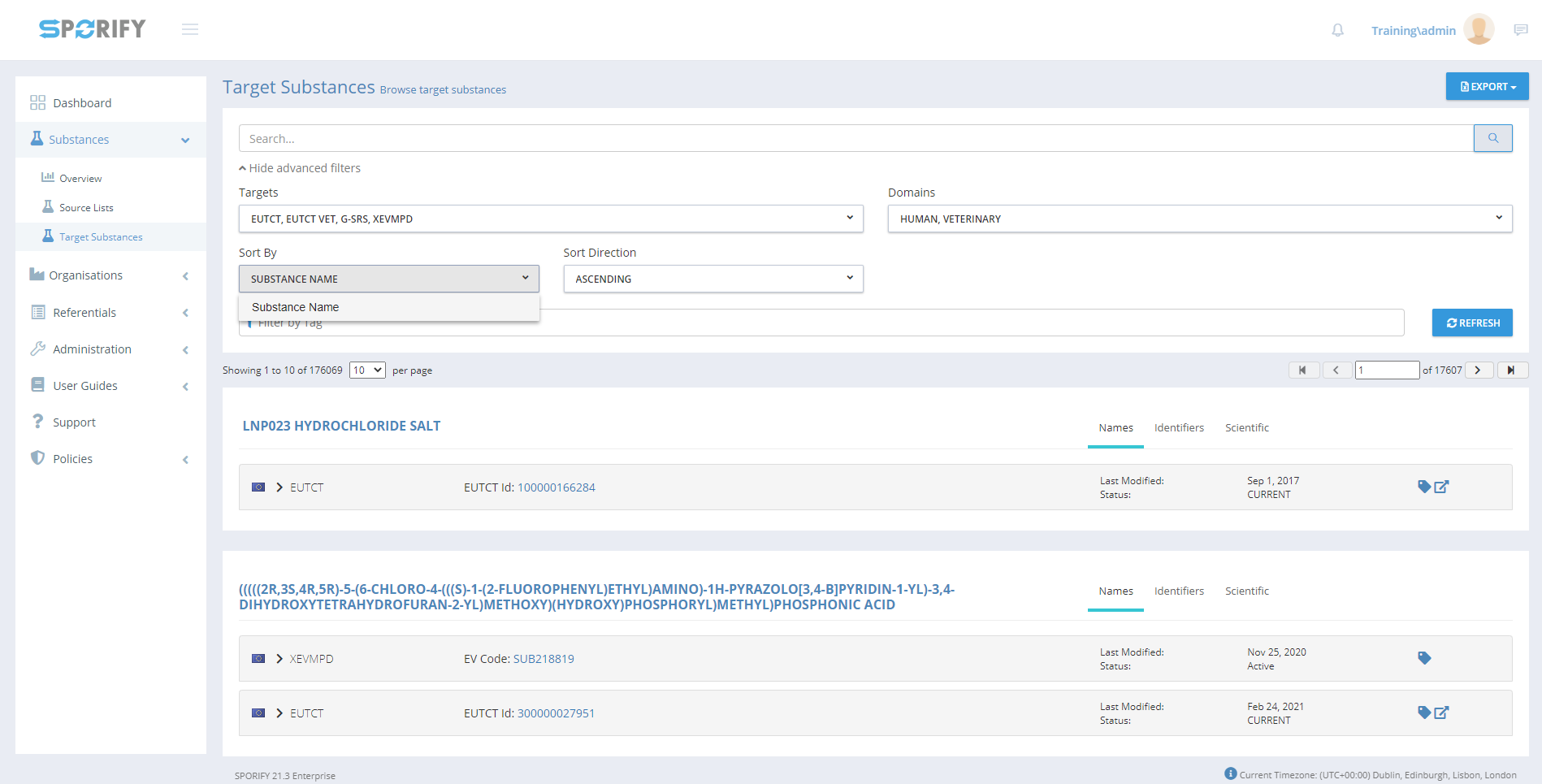
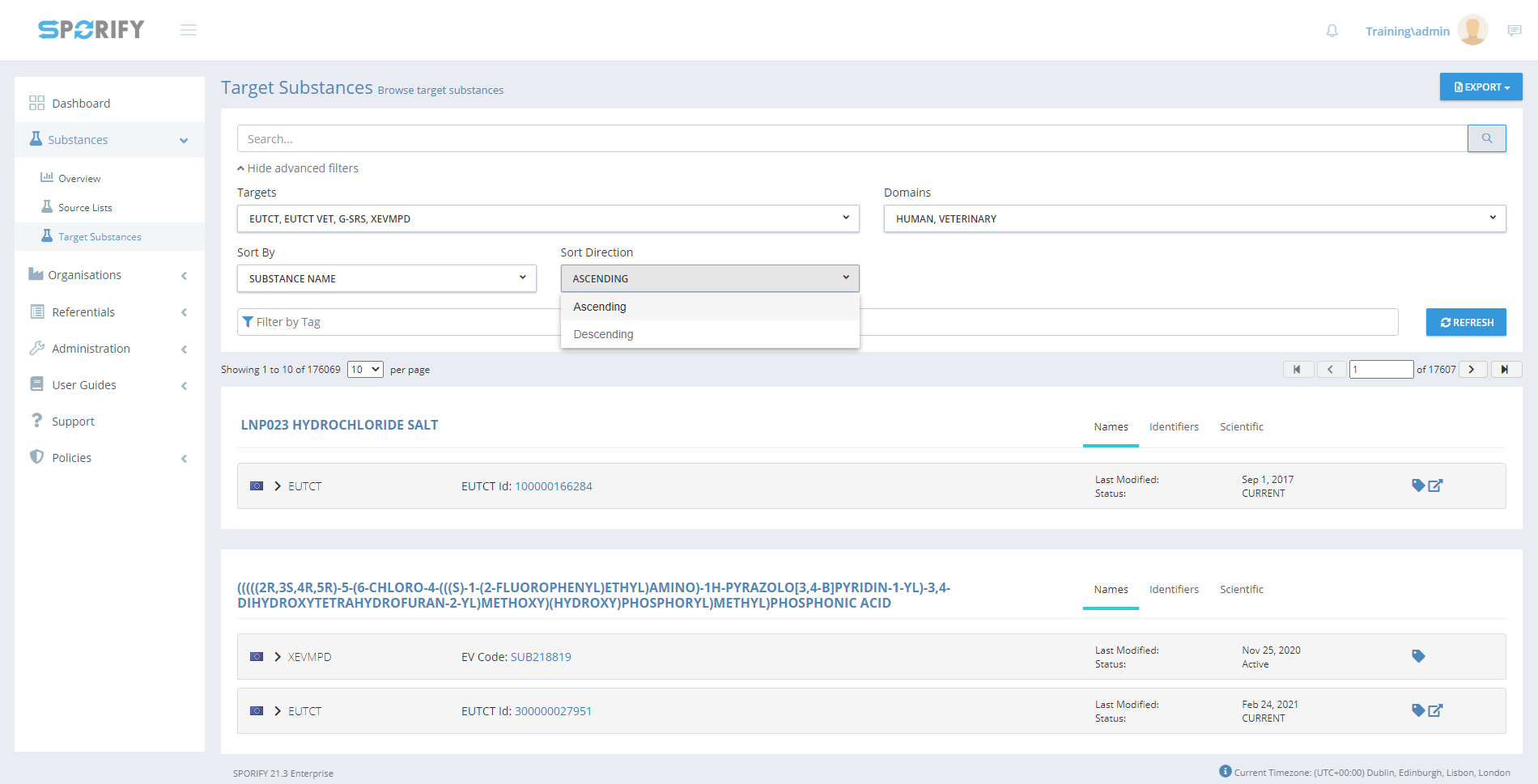
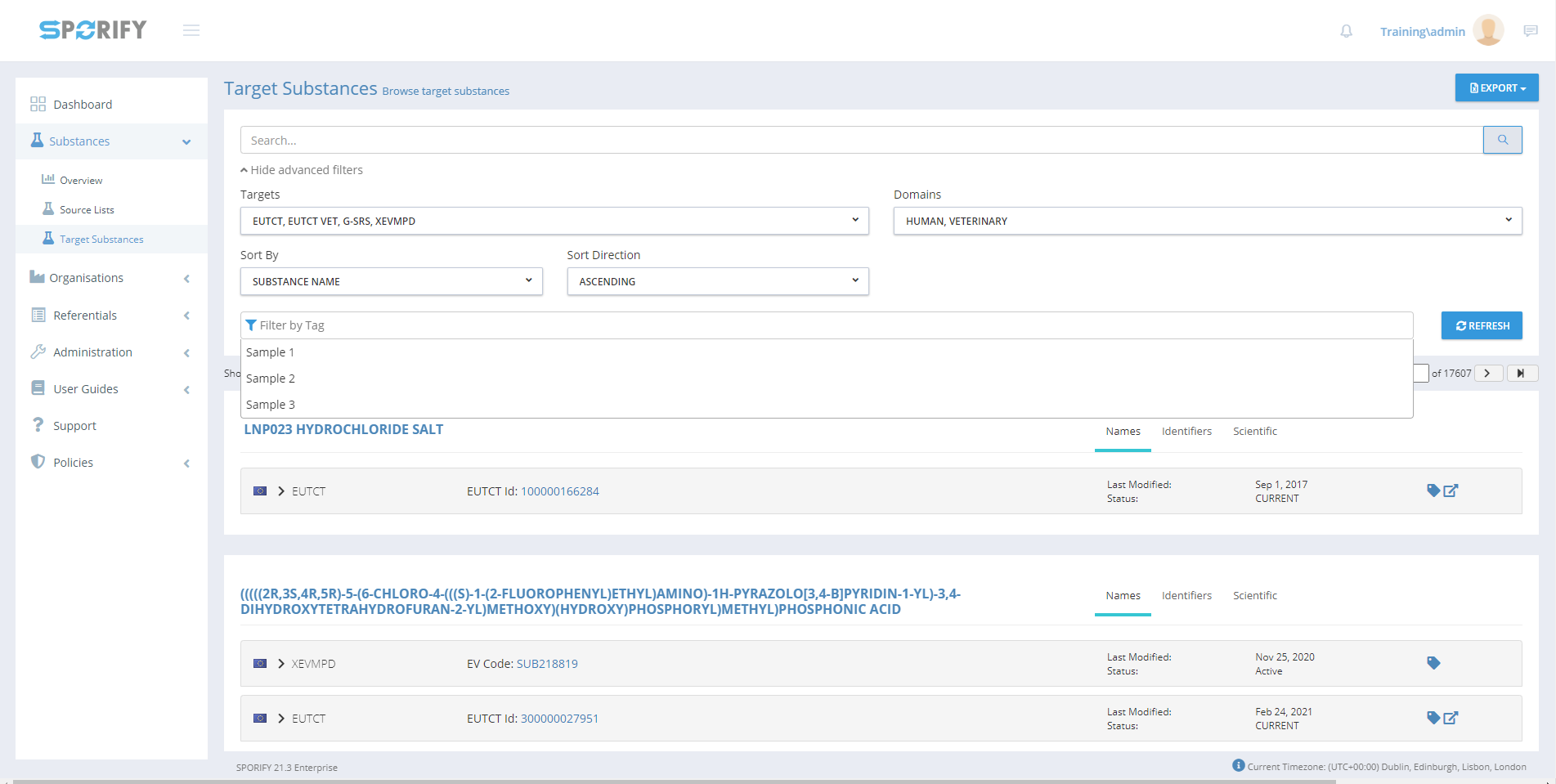
GUI Elements
|
Mockup of GUI Element |
Title |
Default |
Enabled |
Type |
Data |
Description |
|---|---|---|---|---|---|---|
|

|
Search |
Search… |
Always |
Search bar |
String |
Searches Target Substances |

|
Filter by Tag |
Filter by Tag |
Always |
Input field |
String |
Provides Tags filter options |

|
Targets |
All |
Always |
Drop-down menu |
String |
Provides Targets filter options |

|
Domains |
HUMAN, VETERINARY |
Always |
Drop-down menu |
String |
Provides Domains filter options |

|
Sort By |
SUBSTANCE NAME |
Always |
Drop-down menu |
String |
Provides Sort By filter options |

|
Sort Direction |
ASCENDING |
Always |
Drop-down menu |
String |
Provides Sort Direction filter options |
Available Actions And Commands
|
Mockup of GUI Element |
Title |
Shortcut |
Enabled |
Type |
Role/Permission |
Action |
Tooltip |
Audit Trail |
|---|---|---|---|---|---|---|---|---|

|
Refresh |
N/A |
Always |
Button |
Substances - Target Substances |
Refreshes page |
N/A |
No |
Related Documentation and Sources
-
N/A